UP Asset Upload Guide: Avoid Salary Hold on eHRMS UP
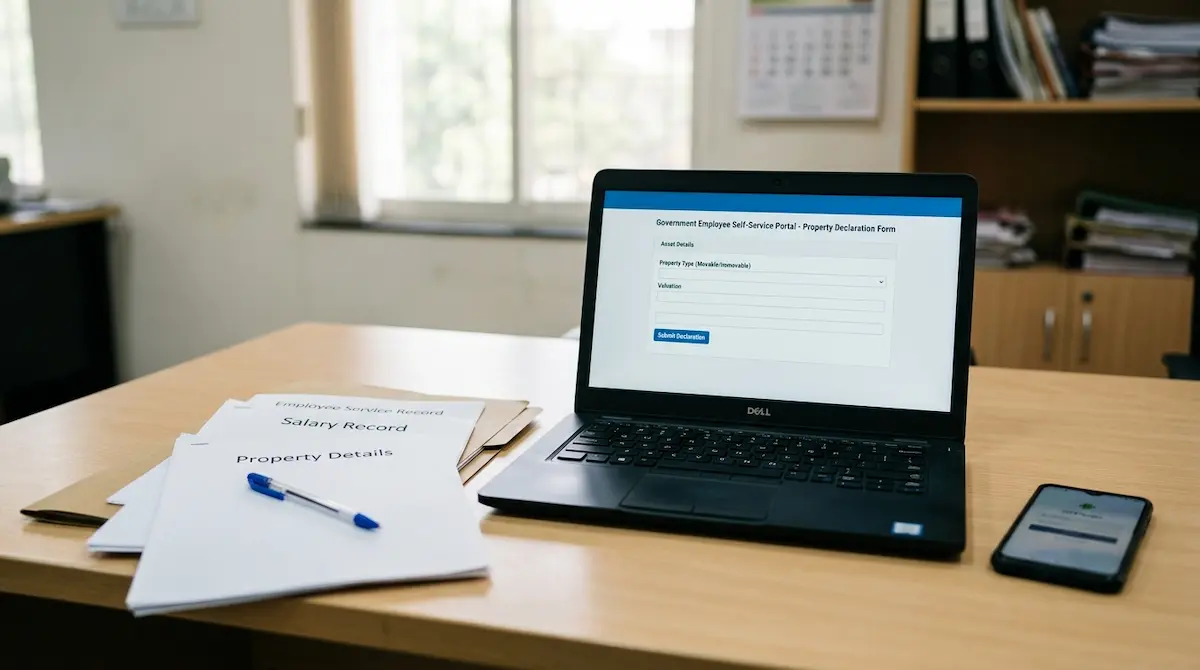
For Uttar Pradesh government employees, property declaration on Manav Sampada is no longer a formality that can be left for later. The portal is used to record movable and immovable assets, and recent enforcement has shown that missing or incomplete entries can affect salary processing and promotion-related scrutiny.
This guide explains what to check, what to enter, and how to avoid common mistakes before the payroll cycle closes.
Why Asset Declaration Matters on Manav Sampada UP
Manav Sampada, also known as eHRMS UP, is the official human resource portal used for employee service records, leave, transfers, service book details, and Annual Property Return entries. The Annual Property Return section allows an employee to submit property and liability details for the relevant year.
In 2026, reports from Uttar Pradesh showed that salaries of employees were withheld after they failed to submit movable and immovable property details on the Manav Sampada portal within the required deadline. This made one point clear: employees should not treat property return submission as optional.
If your department has issued a property declaration order, follow the date mentioned in that order. Do not rely only on WhatsApp messages, social media posts, or unofficial screenshots.
What You Need Before Filling Property Details
Before opening the portal, keep your details ready. This reduces mistakes and avoids half-filled entries.
Keep These Details Ready
You may need information related to:
- Land, house, shop, flat, plot, or other immovable property
- Jewellery, vehicle, furniture, or other movable property
- Bank deposits, shares, bonds, mutual funds, or liquid assets
- Provident Fund details
- Life insurance policy details
- Loans, debts, and other liabilities
- Property purchased, inherited, gifted, or jointly held
- Details of spouse or dependent family members, where required by service rules
Do not enter guesswork. If the value, purchase date, or ownership share is not clear, check the original document before submission.
How to Submit Asset Details on eHRMS UP
The exact screen label may vary slightly by department, but the process usually follows the Annual Property Return workflow.
Step 1: Open the Official Portal
Go to the official Manav Sampada UP portal and use the employee login option. Enter your department, user ID, password, and captcha or OTP if required.
Avoid logging in through search-result ads, copied links, or forwarded shortened URLs. Use only the official portal domain used by your department.
Step 2: Check Your Reporting Officer
The Annual Property Return workflow requires the employee to select or confirm the reporting officer first. If the reporting officer is wrong, the return may not move properly for verification.
Check the name, designation, and office carefully. If it is incorrect, contact your establishment section or DDO before submitting the return.
Step 3: Select the Correct Year
Choose the year for which you are filing the property return. This is important because Manav Sampada stores APR details year-wise. A return entered under the wrong year may not satisfy the current departmental requirement.
Step 4: Add Property Categories One by One
Open each applicable category and fill the details carefully. Common categories include immovable assets, movable assets, liquid assets, Provident Fund, life insurance, debts, and liabilities.
If you do not own a particular type of asset, follow the option or instruction shown on the portal. Do not create false entries only to complete a field.
Step 5: Save and Review Every Entry
After adding each asset, use the save or add button. Then open the view option and check whether the entry is visible.
Review these points before final submission:
- Name of owner
- Type of property
- Location or description
- Date of acquisition
- Purchase value or current value, as required
- Source of purchase
- Liability or loan details
- Joint ownership details
Small spelling errors may not stop submission, but wrong property value, wrong year, or missing ownership details can create problems later.
Do Not Publish Until You Review
On Manav Sampada, saving an entry is not always the same as final submission. The APR must be published or submitted according to the portal workflow. Once the APR is published for a year, further changes may not be allowed from the employee side.
Before publishing, open the preview or view section and read every entry once. If something is wrong, edit or cancel the entry with a clear reason, where the portal allows it.
What Happens After Submission?
After submission, the return moves to the reporting officer. The reporting officer may verify or un-verify it. Employees should check the APR status on the portal instead of assuming the process is complete.
If the status is pending for several days, inform your office clerk, establishment section, DDO, or reporting officer. Keep a screenshot or acknowledgement only for personal reference; do not share property details publicly.
Common Mistakes That Can Delay Salary Processing
Avoid these errors:
Wrong Year Selection
Many employees fill the property return but select the wrong year. Always match the year with the latest departmental order.
Only Saving, Not Publishing
If the entry is saved but not published or submitted, the department may still treat it as incomplete.
Ignoring Liabilities
Loans, debts, and other liabilities are part of the APR categories. Leaving them blank without checking the requirement can create mismatch issues.
Using Unofficial Help Centers
Never share your Manav Sampada password, OTP, employee code, Aadhaar details, or property documents with private agents. If you need help, use your department office, DDO, or official support channel.
Final Checklist Before Payroll Closure
Before the salary bill is processed, check these five points:
- Correct employee login used
- Correct reporting officer selected
- Correct APR year selected
- All applicable asset and liability details entered
- APR published/submitted and status checked
If your salary has already been held due to missing property details, complete the APR immediately and inform your department through the proper office channel. Salary release depends on departmental verification and payroll processing, so do not wait until the next salary date.
Manav Sampada property declaration is now closely linked with service record discipline. A careful entry today can prevent salary delay, promotion issues, and unnecessary office follow-up later.